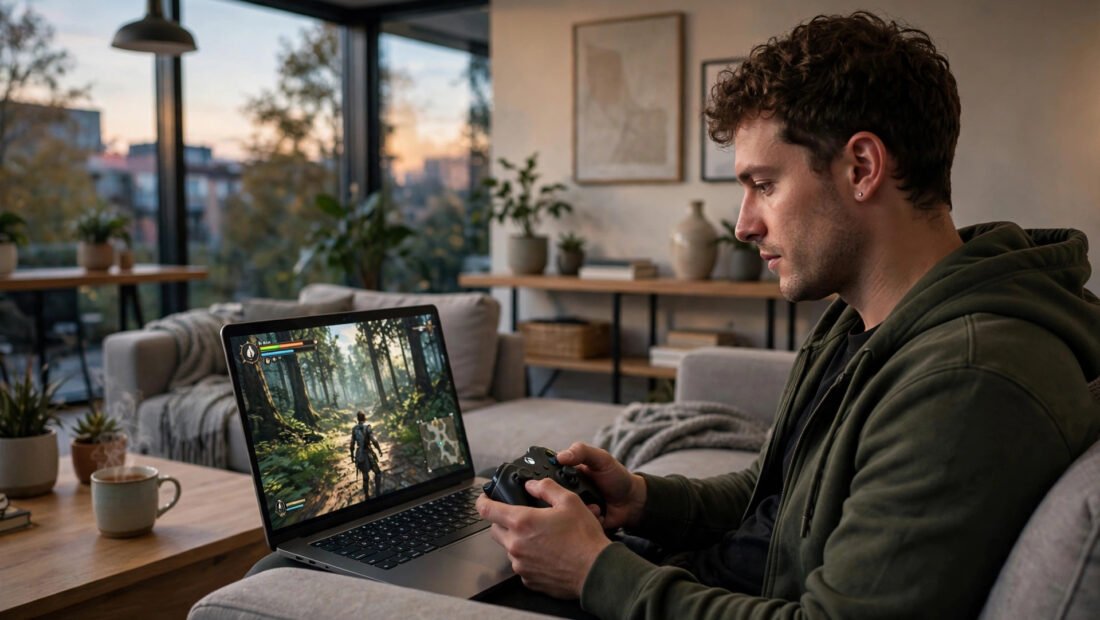
Imagine playing the latest blockbuster game on a five-year-old laptop, a phone, or a TV with no console attached — no downloads, no £70 discs, no hardware upgrades. That is the promise of cloud gaming: the game runs on a powerful computer in a data centre, and the video streams to your screen while your inputs stream back. Netflix, but for games. It sounds like magic, and for many players it genuinely works — but the details determine whether it works for you.
This guide explains cloud gaming for anyone without a console: how it works, what you need, where it shines, where it struggles, and whether it can replace buying hardware.
How Cloud Gaming Actually Works
The concept is simple. Instead of your device running the game, a server rack full of high-end gaming hardware runs it. Your controller inputs travel over the internet to the server; the server renders the game and sends back a video stream, typically at 1080p or 4K. Your device is just a screen with a connection — which is why a cheap Chromebook or a smart TV can “play” games that would melt it natively.
The catch is latency: the round trip of input-to-server-to-screen. On a good connection, total latency can be 30–60ms — noticeable to competitive players, invisible to most casual ones. On a bad connection, it becomes a slideshow. Cloud gaming is therefore not really about your device at all; it is about your internet connection. Everything else is secondary.
What You Need: The Honest Requirements
Internet speed: 25 Mbps minimum for 1080p, 45+ Mbps for 4K — but speed matters less than stability and latency. A stable 30 Mbps fibre connection beats a flaky 100 Mbps one. Use a wired Ethernet connection wherever possible; Wi-Fi adds latency and inconsistency. Improving your home Wi-Fi is the single highest-impact upgrade for cloud gaming quality.
Data: cloud gaming consumes 10–20GB per hour at high settings — a serious consideration on capped broadband or mobile data. An evening of gaming can eat 50GB+. Check your ISP’s fair-use terms before committing. Controller: any decent Bluetooth or USB controller works; Xbox controllers are the universal standard. Device: almost anything with a browser or app — old laptops, phones, tablets, smart TVs, streaming sticks.
The Services: Who Offers What in the UK
Xbox Cloud Gaming (included with Game Pass Ultimate, ~£15/month): the best value — hundreds of games including day-one Microsoft releases, streaming to phones, browsers, and TVs. The library is the selling point. Nvidia GeForce Now (free tier plus paid tiers from ~£9/month): streams games you already own on Steam/Epic, with the best technical performance — up to 4K/120fps on the top tier. The catch: not all publishers allow their games on it. PlayStation Plus Premium (~£14/month): streams a large PlayStation library, best for Sony exclusives. Amazon Luna: smaller UK presence, bundled perks for Prime members.
For a beginner without a console, Xbox Cloud Gaming via Game Pass Ultimate is usually the best starting point: the biggest library for one subscription, no game purchases needed, and it works on nearly everything. GeForce Now suits players who already own PC games and want the best streaming quality.
Where Cloud Gaming Shines (and Where It Struggles)
Shines: trying games instantly with no downloads; gaming on devices you already own; playing while travelling; households where buying a £450 console is unjustifiable; story-driven, turn-based, and casual games where latency barely matters. For many players, this covers 90% of what they want.
Struggles: competitive shooters and fighting games, where 50ms of extra latency is the difference between winning and losing; areas with poor broadband (much of rural Britain); data-capped connections; and game preservation — you own nothing, and if a service drops a game or shuts down (remember Google Stadia), your library evaporates. There is also the intangible: streaming compression means games never look quite as crisp as native, especially in dark scenes.
Can It Replace a Console?
For casual and story-focused players with good internet: honestly, yes. A Game Pass Ultimate subscription plus a controller, played on a TV or laptop you own, delivers hundreds of games for the price of two new releases a year — no £450 hardware purchase, no upgrades, no downloads. The maths is compelling.
For competitive players, collectors who want to own games, or anyone with unreliable broadband: no. A dedicated console remains the better choice — our guide to whether a Nintendo Switch is worth it for casual gaming covers the most affordable entry point. And the services are still evolving — libraries shift, prices rise, and the long-term economics are unproven. Treat cloud gaming as a superb way to play now, not a permanent replacement for ownership.
Trying Before Committing: The Smart On-Ramp
Do not subscribe to anything on day one. Every major service offers a trial path: GeForce Now has a genuinely free tier (one-hour sessions, queues at peak times — enough to test whether your connection handles it), Xbox Cloud Gaming is available through a one-month Game Pass Ultimate subscription you can cancel, and PlayStation Plus Premium offers trial periods. Run the same test on each: play for an hour at your usual gaming time (evening congestion is the real test, not Sunday morning), try both a slow story game and something faster, and honestly assess whether the latency bothers you.
Test on the device you will actually use — cloud gaming on a phone over mobile data is a different experience from a TV on fibre broadband. And test your data usage: check your router’s traffic stats after a week of typical play and project it monthly against your ISP’s terms. An hour of testing saves a year of regretting the wrong subscription. The services want you to try; the trials are the honest shop window. Use them.
Conclusion: The Console-Free Future Is Already Here (Mostly)
Cloud gaming without a console works today for anyone with stable, fast broadband: subscribe to Game Pass Ultimate or GeForce Now, connect a controller to a device you own, and play. Broadband quality is the deciding factor, so check what speeds you actually get — Ofcom’s broadband guides explain your rights if speeds fall short, and BBC Technology tracks how the streaming services compare. It excels for casual, story, and turn-based games; it falters for competitive play and poor connections. You do not need to understand the server infrastructure — you need to understand your internet. Get that right, and the future of gaming is already in your living room.
Frequently Asked Questions
Can I play cloud gaming without owning a console?
Yes — that is the whole point. You need a subscription (e.g., Xbox Game Pass Ultimate), a controller, a screen (phone, laptop, TV, tablet), and a good internet connection. No console or gaming PC required.
How fast does my internet need to be for cloud gaming?
25 Mbps for 1080p, 45+ Mbps for 4K, but stability and low latency matter more than raw speed. Wired Ethernet beats Wi-Fi, and data usage runs 10–20GB per hour.
Is cloud gaming good for competitive games?
No. The added latency (typically 30–60ms) puts you at a real disadvantage in shooters and fighting games. It is excellent for story-driven, turn-based, RPG, and casual games.
What happens to my games if a cloud service shuts down?
You lose access — with most services you are renting access, not buying games. (GeForce Now is the exception in that you stream games you own elsewhere.) This is the main long-term risk of cloud gaming.